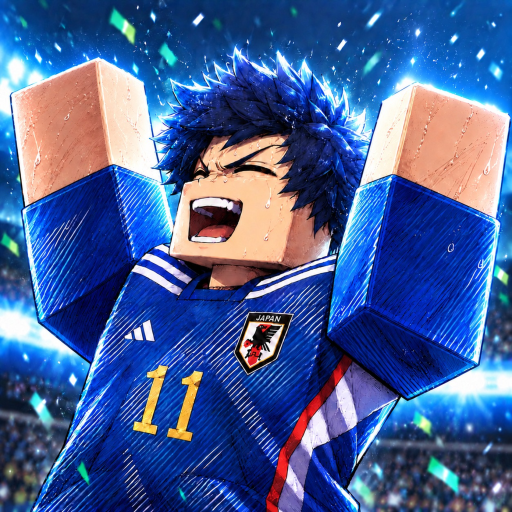

Start Your Blue Lock Career Update News
Follow Start Your Blue Lock Career update announcements without treating every guide publication or reward code as a game patch. Begin with the experience and Ponder Inc community, then read the news guide to distinguish a developer label, a stated change, and an editorial article release.
Career menus and match choices
This demonstration shows rolling, Settings, and a match with on-screen choices.
Read an announcement before changing the plan
The official experience title carries a Major Update label, which tells you how the developer presents the game. The useful next step is reading the team's announcement for the changes that matter to your career. A milestone code name or a new wiki article does not by itself explain new ability effects, prices, or tournament requirements.
For a returning player, focus on the part of the career you intend to use next. A reward question belongs with the code list; a route question belongs with progression; a community question belongs with developer resources. Keep the full game name and Ponder Inc connection in view so a similarly themed experience's news does not become an assumption about your own run.
What do you need from the news?
Separate announcement reading, community access, and a reward claim.
Understand the update label
Distinguish game announcements, reward entries, and wiki publication.
Understand the update labelFind the developer community
Use announcements and FAQs for a specific player question.
Find the developer communityChoose a reward entry
Read the code list rather than treating a code name as patch notes.
Choose a reward entryGame news and announcement guidance
Read the update news article for the difference between a title label and actual stated changes.
Related player tasks

Find the news that changes your next action
The update guide explains where announcements belong and how to keep game changes separate from reward names or a guide's publication date.